
Introduction
Accurate financial records are essential for effective business accounting. Businesses must regularly track bank transactions, monitor payments, and reconcile their financial records. However, transferring bank information into accounting software can be done in different ways.
Two common methods are automatic bank feeds and manual bank statement imports. Both help businesses record financial transactions, but they differ in how information is transferred, updated and managed.
Understanding these differences can help small businesses choose a suitable approach and improve their bookkeeping processes.
What Are Automatic Bank Feeds?
Bank feeds are connections between a business bank account and its accounting software. They allow transaction information to transfer automatically from the bank to the accounting platform.
Once the connection is established, new transactions can appear in the accounting system regularly without requiring employees to download and upload statements manually.
Key benefits of bank feeds include:
1. Automatic updates:
Transaction information is imported regularly, reducing manual work.
2. Time savings:
Employees spend less time downloading and uploading bank statements.
3. Better cash flow visibility:
Updated transaction information helps business owners monitor payments and expenses.
4. Simplified reconciliation:
Imported transactions can be matched against existing accounting records.
5. Fewer data entry errors:
Automation reduces mistakes associated with manually entering transaction details.
However, bank feed availability and update frequency depend on the bank, software provider, and connection method.
What Are Manual Bank Statement Imports?
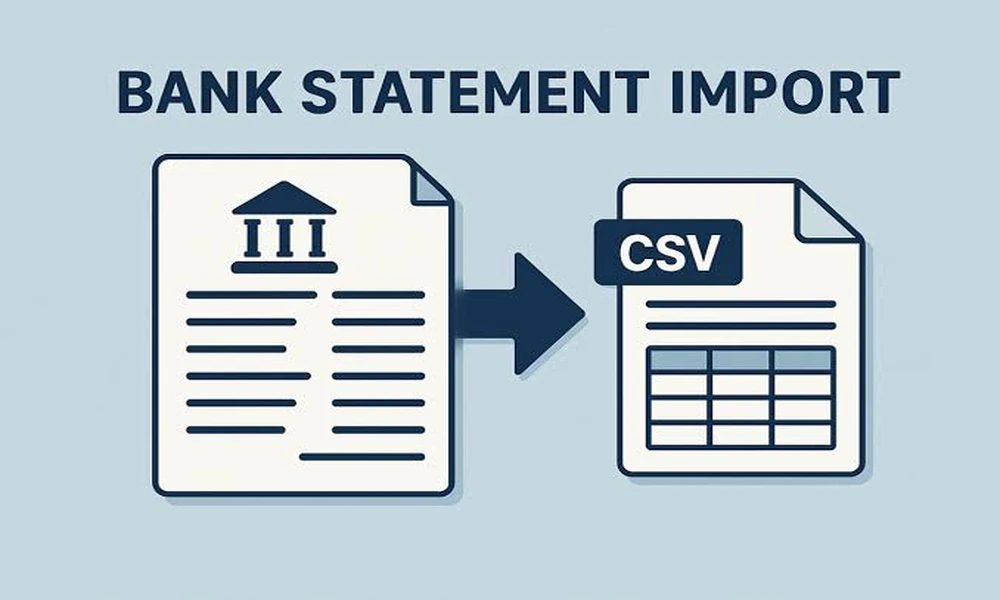
Manual bank statement imports involve downloading transaction statements from a business bank account and uploading them into accounting software. Businesses commonly use formats such as CSV, OFX, or other supported statement files. Once uploaded, the accounting platform processes the transaction information for bookkeeping and reconciliation.
Key benefits of manual imports include:
1. Greater control:
Businesses decide when to download and upload transaction records.
2. Flexible account management:
This method can work with banks that do not support automatic feeds.
3. Historical data access:
Older bank statements can be imported when setting up accounting software or reviewing previous transactions.
4. No continuous connection required:
Businesses can transfer information without maintaining an ongoing bank feed connection.
However, manual imports require regular attention. Delayed uploads can leave accounting records outdated, while incorrect file formats may cause import problems.
Bank Feeds vs. Manual Imports: Key Differences
The main difference is how frequently and automatically transaction information enters the accounting system. Bank feeds are generally more convenient for businesses that process transactions regularly. They reduce repetitive administrative work and support ongoing financial monitoring.
Manual imports offer greater control over when information is transferred. They can also be useful for historical records and businesses without access to supported bank feed connections. Both methods require transaction reviews and reconciliation. Imported information should always be checked to identify duplicate entries, missing transactions, and incorrect categorization.
Conclusion
Automatic bank feeds and manual bank statement imports both help businesses maintain accurate financial records. Bank feeds offer convenience and regular updates, while manual imports provide flexibility and greater control over data transfers.
Choosing a suitable method can simplify bookkeeping, improve bank reconciliation, and provide better financial visibility. Reliable accounting software makes both approaches easier to manage and supports more efficient business financial management.
Bank Feeds vs. Manual Bank Statement Imports: Understanding the Differences